
· 10 min read
SEO Audit Statistics 2026: What 100K+ Audits Reveal
The median site we audit scores 71/100 — a C+. See what 100,000+ SEO audits reveal about the issues failing most sites, plus how often to audit in 2026.
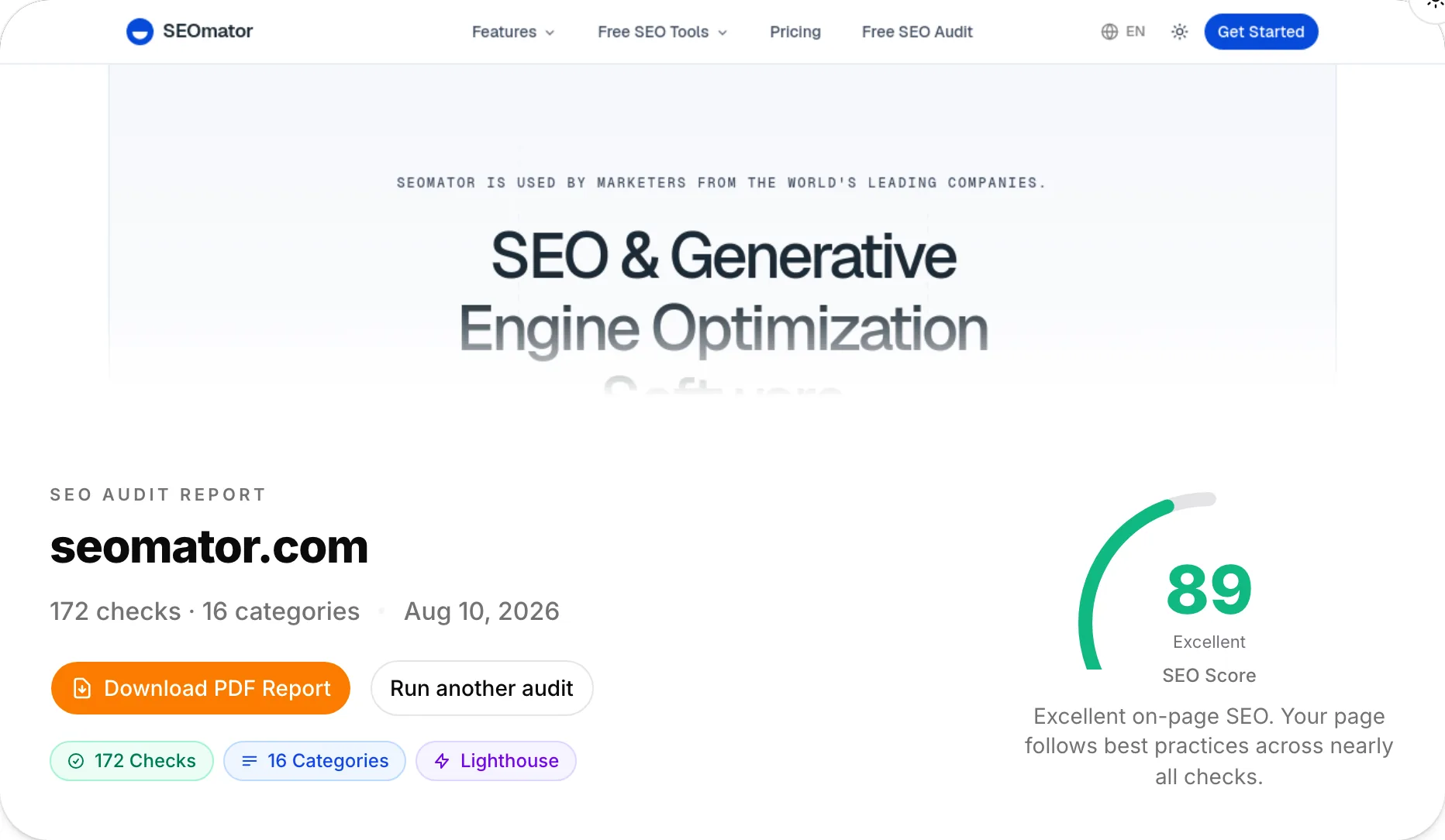
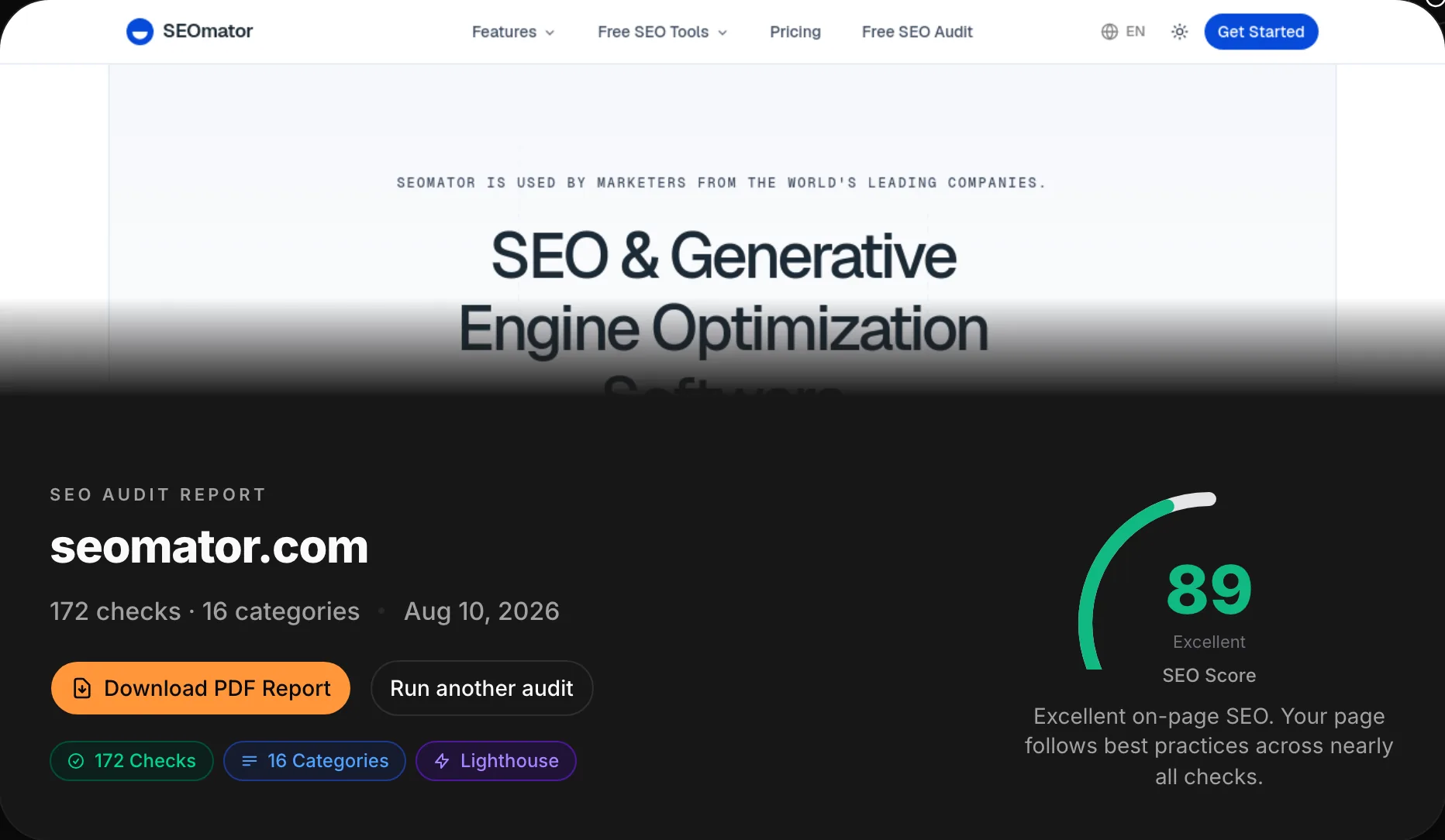
This free SEO audit tool renders your page in a real browser, runs 172 on-page checks across 16 weighted categories — technical SEO, content, links, structured data, AI visibility — and pulls Google Lighthouse scores, in 15–30 seconds. You get a 0–100 score, every failed check explained, and a PDF report. Free, no signup.
 Reviewed by Emre Elbeyoglu, Founder & CEO
No account, no email — the full report renders right here.
100,000+ websites audited across our network in 2026 · median score 71/100
Enter a URL and we render the page in a real headless browser, run 172 on-page rules across 16 weighted categories against the rendered HTML — not just the raw source — and request Google Lighthouse scores in parallel. The category weights are visible in the report, so the score is explainable rather than a black box.
Any public page — yours or a competitor's. No account, no email, no tag to install: the audit runs from our infrastructure, not your browser.
A headless browser renders the page and takes a screenshot, the engine runs 172 rules — from title tags to llms.txt — and Google Lighthouse scores arrive in parallel. 15–30 seconds, one run.
You get a 0–100 score with per-category grades, every failed check explained with what to change, and a one-click PDF report to hand to whoever does the fixing.
Everything unmarked runs free, right now, no sign-up. The marked items unlock with a free SEOmator account.
Core SEO, content, performance, links, images, security, accessibility, structured data, social tags, E-E-A-T, URL structure, mobile, HTML validity, redirects, internationalization — and AI visibility. Weighted scoring, not a flat checklist.
Five GEO checks cover what AI search reads: semantic HTML, parseable content structure, AI-crawler access in robots.txt, an llms.txt reference, and whether your JSON-LD matches the visible text.
Performance, Accessibility, Best Practices and SEO — fetched from Google's own Lighthouse while the on-page rules run, so lab performance data ships in the same report.
The page is rendered in a headless browser before any rule runs — JavaScript-injected titles, links and schema are all seen. You see the exact state that was analyzed.
Each rule reports pass, warn or fail with what it found and what to change — the report reads as a fix list, not a grade to guess at.
One click turns the scores, the failed checks and the Lighthouse data into a PDF you can hand to a developer or a client.
The free audit reads one page deeply. The dashboard crawls the whole site with the full 251-rule engine and finds the pages you didn't think to check.
Track your score across deploys and catch a regression the week it ships, not the quarter after.
Weight your fixes by the pages that actually earn clicks and impressions, straight from your own Search Console data.
Create a free SEOmator account to crawl your whole site, keep audit history and schedule re-runs.
Sign up free Reviewed byEmre Elbeyoglu · Founder & CEO
SEOmator has been mine since 2023, and the rule I kept from the first version of this audit is that the report must say what to change, not just what your score is. I still run it on every site I take on before anything else, because what it finds never looks broken in a browser — a robots.txt quietly blocking a section, meta descriptions missing across a whole template, internal links that 404. Two limits worth stating plainly. It audits one page per run, deeply — it cannot find orphan pages or site-wide duplicate content; that takes the dashboard's full-site, 251-rule crawl. And the Lighthouse numbers are lab data: useful for diagnosis, but Google ranks with field data from real Chrome users, so treat them as a direction, not a verdict. For a first diagnosis in 30 seconds, this is the check order I'd run by hand — which is why it's the order the engine runs.
 Emre Elbeyoglu · Founder & CEO
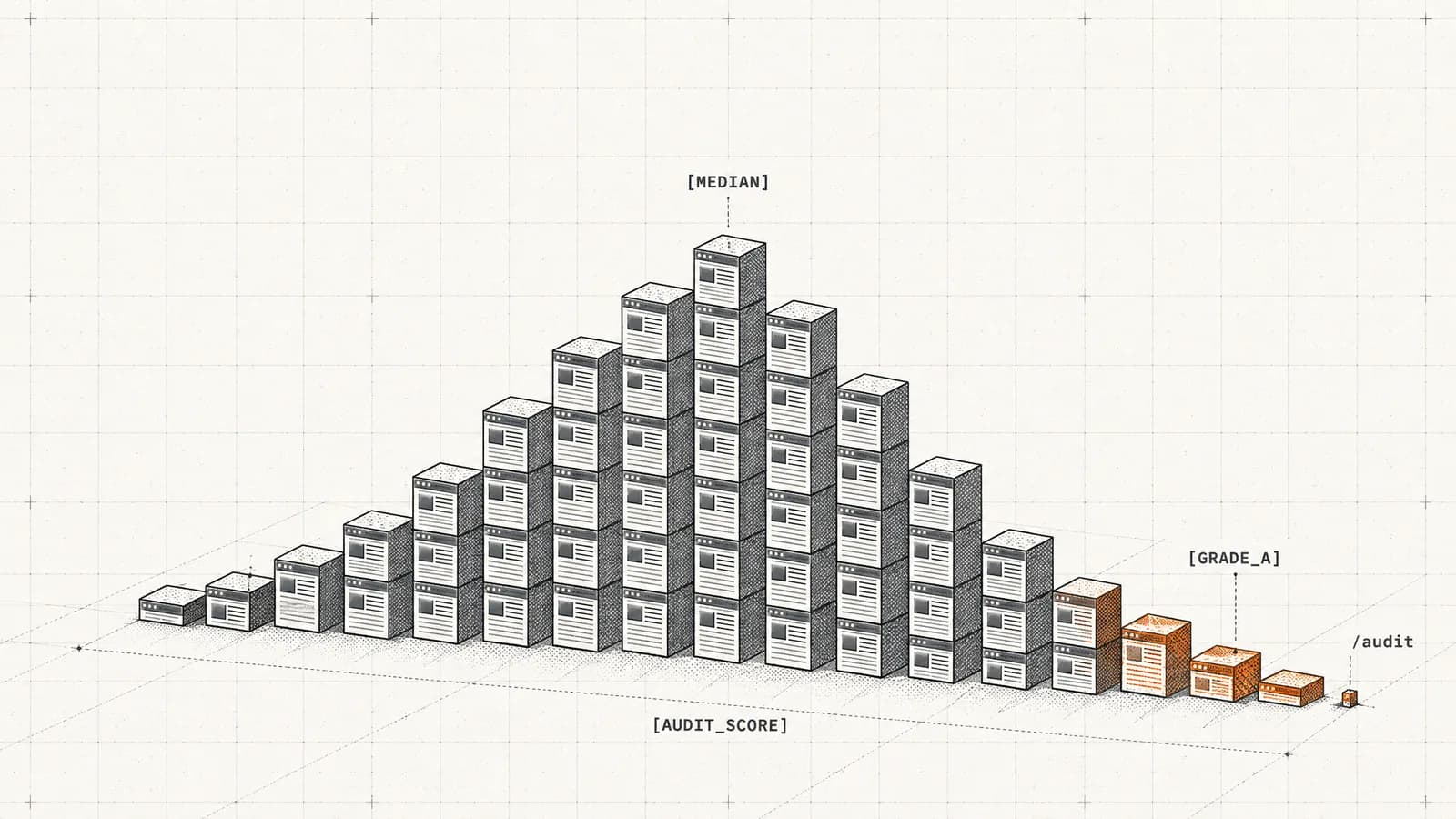
Across the sites we track, the median audit score is 71 — a C+ — and only about 7% of sites earn an A (Jan–Jul 2026). A 68 doesn't mean your site is broken; it means you're average, and average is beatable.
Performance, structured-data, image and link rules each fail on a majority of the 100,000+ sites our network audited in 2026. If your report flags them, you share the most common problems on the web — and they're the fixes with the clearest instructions attached.
AI/GEO readiness fails on 54.6% of audits across our network — 2026's most-failed new category. Most sites have added AI-crawler rules to robots.txt, but far fewer pass the deeper checks: semantic HTML, parseable structure, schema that matches the visible text. The GEO audit runs the dedicated version.
Audit your homepage, then one page per template — a product page, a blog post. A failed check on a template repeats on every page built from it, which is how a single-page audit surfaces site-wide problems.
19% of the domains that run our free audit come back within 30 days — the fix-then-verify loop. A fix isn't done when it's deployed; it's done when the check passes.
Median scores across our network differ by segment: B2B SaaS 74, e-commerce 68, mixed businesses 70 (2026). Compare yourself with your segment — chasing a perfect 100 spends effort where your competitors aren't.
These are our own numbers, not an industry survey: aggregates from every run through the SEOmator audit engine across the sites we audited between January and July 2026. The same engine scores the page you enter above.
Health-score distribution, H1 2026
The ten checks sites fail most
Source: SEOmator audit-engine aggregates, January–July 2026 (100,000+ websites audited, 50M+ pages crawled). Every rule above is a check in the free audit — your report says which of them you own.
An SEO audit is a measurement: a systematic pass over everything on a page that affects whether search engines and AI answer systems can find it, parse it, trust it, and prefer it. This one runs 172 automated rules across 16 weighted categories and returns a 0–100 score in which every failure is explained.
Just as useful is what an audit is not. It is not a keyword tool — it will not tell you what to write about. It is not a penalty scanner — Google communicates manual actions through Search Console, not through scores. And it is not a ranking promise: an audit removes reasons to lose; it cannot manufacture reasons to win. What it gives you is the part of SEO that is checkable — and across the 100,000+ websites our network audited in 2026, most sites fail more of the checkable part than their owners think.
172 rules across 16 weighted categories — and the weights are published, which is the part most audit tools keep vague. The audit renders your page in a real headless browser first, so titles, links and schema injected by JavaScript are seen the way Google sees them, then scores the rendered result:
| Category | Weight |
|---|---|
| Core SEO | 15% |
| Content | 12% |
| Performance | 12% |
| Links | 8% |
| Images | 8% |
| Security | 8% |
| Accessibility | 6% |
| Structured data | 6% |
| Social tags | 5% |
| E-E-A-T | 5% |
| URL structure | 4% |
| Mobile | 3% |
| HTML, redirects, AI, i18n | remainder |
Core SEO covers the load-bearing tags: title, meta description, canonical, viewport, H1, indexing directives. Content covers text quality, readability and heading structure; performance covers DOM size, render-blocking resources, compression and caching. Alongside the rules, Google Lighthouse runs in parallel — Performance, Accessibility, Best Practices and SEO lab scores arrive in the same report instead of in a separate tool.
SEOmator's founder found 200+ issues on his own website before the first version of this tool existed: broken internal links, missing meta descriptions on 40% of the pages, duplicate title tags, and a robots.txt rule quietly blocking a whole section from Google. Nothing looked broken in a browser. That is the property that makes SEO problems expensive — they are invisible at exactly the layer where you spend your day.
This tool is the productized version of the checklist he wished he'd had, and it has stayed free through a change of ownership: every check automated, every failure explained, free with no signup — because a diagnosis you have to pay for is a diagnosis most site owners skip. In 2026 the same engine has audited 100,000+ websites across our network (January–July), which is why this guide can tell you what actually fails out there rather than what theoretically might.
The median site we audit scores 71 out of 100 — a C+ — and only about 7% earn an A (Jan–Jul 2026, across 100K+ audits). Calibrate accordingly: a 68 is not a crisis, it is the middle of the pack, and anything above 80 puts you near the top quarter of the web we see.
The grade bands: A is 90–100, B is 80–89, C is 70–79, D is 50–69, F is below 50. The full distribution is charted in the data band above — read it as a curve, not a report card. Two thirds of audited sites land in C or D, so a 74 is genuinely above average, and a site at 68 is one deploy away from a D, not from disaster.
Two comparisons sharpen the number. Sites checked through this free tool carry a median of 63 (D+), eight points below the 71 of the sites under continuous monitoring — the DIY web is in visibly worse shape than the professionally watched web. And verticals differ: across our network, B2B SaaS holds a median of 74, e-commerce 68, mixed businesses 70 (2026). Compare yourself with your segment before you panic — or celebrate.
Across the 100,000+ websites our network audited in January–July 2026, four categories fail on a majority of sites: performance (71.2%), structured data (64.8%), images (63.5%) and links (57.3%). Nothing exotic — and the individual rules behind them, ranked in the data band above, barely move month to month.
What the ranked list doesn't show is depth. Alt text is missing on a median 19% of a site's images, not on one stray logo. Broken internal links run a median of 14 per site. Among sites that use hreflang at all, 61% ship it without return links, which is the kind of error that looks fine in a template review and fails silently in a second market.
The stability is good news. Every majority failure maps to a specific check in this audit, every check explains what to change, and none of the fixes requires a strategy meeting. If your report flags them, you are in the majority — and one deploy away from leaving it.
Security headers, redirect chains and social tags rarely feel urgent, because nothing visibly breaks while they are wrong. They are also the checks nobody re-verifies after launch. That is exactly what a rule-based audit is for: it re-asks the boring questions on every run, and it does not get bored.
54.6% of the sites we audited in 2026 fail AI/GEO readiness — the most-failed new category in the engine, in the first year it mattered. It is improving, slowly: the failure rate fell from 58.1% in January to 52.8% in July, while the median health score moved 69 to 72 over the same months. At that pace the category stays a majority failure well into 2027. The detail is more interesting than the headline. In a 109,440-domain scan we ran with the same checks, 81% of top domains now write AI-crawler rules into robots.txt — yet most still fail the deeper checks. The web has rules without readiness: opinions about GPTBot, and pages GPTBot can't parse.
This audit runs five AI-visibility checks: semantic HTML (do your elements say what they are), content structure an AI can parse into answers, AI-crawler access in robots.txt, an llms.txt reference, and schema drift — whether your JSON-LD matches the visible text, because retrieval systems compare the two.
One honesty note: llms.txt is a proposal, not a standard, and Google has said it does not use the file. We check it because AI assistants and smaller crawlers increasingly read it, and it costs twenty minutes — the llms.txt generator writes it for you. For a full AI-search diagnosis, run the GEO audit; to see whether AI assistants actually mention your brand today, the AI brand visibility checker measures that directly.
Weight order beats reading order. The score is weighted, so a failed Core SEO check (a 15% category) costs more than a failed mobile check (3%) — start where the weights are: titles, descriptions, canonicals and indexing directives first; content structure and performance second; everything else after.
Three rules make the work compound:
This tool reads one page per run, deeply — and four families of problems are structurally invisible to it, no matter how good the rules are:
That is what the dashboard's full-site crawl is for: the complete 251-rule engine across every page, plus Search Console integration so fixes are weighted by the pages that actually earn clicks. The free audit is the diagnosis; the crawl is the monitoring. And a note from our own data: 62% of the domains that run this free audit are first-timers — most of the web has never been audited at all. Starting with one page is fine. Staying there is the mistake.
19% of the domains that run this free audit come back within 30 days (2026) — and that loop is the behavior that separates sites whose scores move from sites that collect reports. An audit is a measurement; taken once it is trivia, taken monthly it is a trend.
The cadence that works: a full pass monthly for an active site, plus a targeted re-run after every significant release — a new template, a migration, a redesign, a CMS change. Releases are where regressions enter, and the week after a deploy is when a thirty-second re-audit pays best. If you would rather not remember, scheduled re-runs and score history are what a free SEOmator account automates; this page will still be here when you want the manual version.
No audit tool can promise a ranking — anyone who does is selling something else. An audit's effect is subtractive: every failed check you fix removes a reason for Google, or for an AI engine choosing citations, to prefer a competitor's page. Whether that becomes positions depends on the query, the competition, and the content itself.
What we can say from the network is this: the failures are concentrated (a majority of sites fail the same few categories), the fixes are enumerable (172 checks, each explained), and verification is free (re-run, compare, done). Concentrated, enumerable, verifiable — that combination is why the audit-fix-verify loop is the highest-leverage half hour in technical SEO, and why the PDF export exists: the report is built to be handed to the person who will do the fixing, evidence attached.
Run the audit on your page, read the failed checks, fix the heaviest category, re-audit. The loop is the product.
Run the audit live on a prospect's homepage during the pitch. The 0–100 score plus the failed-check list is a ready-made scope of work, and the PDF export is the leave-behind.
Audit before and after every release. The score gives non-SEO stakeholders one number to watch, and the per-category grades tell engineering exactly where a regression came from.
Start with your homepage, work through the failed checks in order, re-audit in a week. The loop costs nothing — no trial clock, no quota to ration.
No email wall, no account, no daily unlock. Enter a URL and the full report renders — most audit tools gate the first result behind at least an address.
GEO checks — AI-crawler access, llms.txt, semantic structure, schema drift — score alongside classic SEO in one run. Pair it with the dedicated GEO audit when you want the deep version.
Checks run against a real browser render, so JavaScript-injected titles, links and structured data are all counted. Compare raw vs. rendered with the crawl test if the numbers surprise you.
16 categories with visible weights — Core SEO 15%, content 12%, performance 12% — so the score is explainable, and the A–F grade bands say how urgent each finding is.
The PDF export ships scores, failed checks and Lighthouse data in one document — built for the developer or the client who'll actually do the fixing.
The audit is the front door to a kit used by 500,000+ people this year — speed test, meta tags checker, internal link checker, llms.txt generator and more.
Verified customer reviews on G2
“After spending a bit more time with it, I also liked how the audit brings together Lighthouse scores, technical checks and page-level metrics in one report. It makes it easy to get a quick health check of a site and then drill into the areas that need more attention.”
“I’ve used Seomator for SEO auditing for more than a year, and I appreciate how comprehensive its reports are. My favorite feature is the ability to save reports as PDFs, even on the free tier. I also find the free competitor keyword research useful, especially the option to select a country and language. Compared with similar tools I’ve tried, Seomator offers a good range of useful features for free.”
An SEO audit is a systematic check of everything that affects a page's ability to rank: technical setup, content, links, structured data, performance and — in any serious 2026 audit — AI visibility. This tool runs that check as 172 automated rules across 16 weighted categories and returns a 0–100 score with every failure explained.
Because the problems that cost rankings are rarely visible in the browser. Across the 100,000+ websites our network audited in 2026, the median site scores 71 out of 100 — and the most common failures are quiet ones: slow responses, missing structured data, broken image markup, links that leak equity. An audit turns those from unknowns into a fix list.
Across our network's 2026 audits, the most-failed rule groups are performance (render-blocking resources, uncompressed assets), structured data, image markup and link quality — each failing on a majority of sites. The fastest-growing failure is AI/GEO readiness: 54.6% of audited sites fail it, usually on semantic HTML and content structure rather than on robots.txt rules.
For a single page, this tool covers on-page, technical and AI-visibility checks with Google Lighthouse included. For full-site crawls, SEOmator's dashboard runs the complete 251-rule engine. General-purpose alternatives include Google Search Console for your own indexing and query data, plus commercial suites like Ahrefs, Semrush and Moz — most gate audits behind an account or a paid plan.
Monthly for an active site, and after every significant release. Among the domains using our free audit, 19% re-audit within 30 days — the fix-then-verify loop. Teams that treat the audit as release verification, rather than an annual health check, are the ones whose scores actually move.
This audit weighs 16 categories: Core SEO (15%), content (12%), performance (12%), links (8%), images (8%), security (8%), accessibility (6%), structured data (6%), social tags (5%), E-E-A-T signals (5%), URL structure (4%), mobile (3%), plus HTML validity, redirects, internationalization and AI visibility. A full-site audit adds the crawl-dependent elements: orphan pages, duplicate content and internal link architecture.
Indirectly but reliably: the audit finds the specific checks your pages fail, and each fix removes a reason for Google or an AI engine to prefer a competitor. No tool can promise a ranking; what an audit gives you is the ordered, checkable list of what's holding a page back — and a score to verify against after you ship the fixes.
Audit the homepage plus one page per template rather than random URLs; fix in weight order — the Core SEO and performance categories move the score most; re-audit after each batch of fixes; and export the PDF so the fix list survives the meeting. For site-wide issues like orphan pages and duplicate content, graduate from single-page audits to a full crawl.
Not by itself. A language model can critique copy you paste into it, but it cannot fetch your page, render JavaScript, read response headers, measure performance or check robots.txt — an audit is measurement, not opinion. This tool runs 172 measured checks, including five AI-visibility rules. If you want the conversational form, SEOmator's AI SEO Assistant wraps real audit tools in chat, so the model calls measurements instead of guessing them.
This one costs nothing — no trial, no card, no signup — because it audits one page per run. Professional full-site audits are priced by scope and typically run from a few hundred to several thousand dollars. The honest middle path: run the free audit first, fix what it finds, and pay for depth — full crawls, history, monitoring — only once the obvious issues are gone.
Yes — the measurement half is automated here, and the judgment half is learnable. Run the audit, read each failed check's explanation, fix what you understand, and re-audit to verify. The guide below walks through what each of the 16 categories measures, so you can tell a cosmetic failure from one that's costing you rankings.
Enter your URL above — the audit renders the page, runs 172 checks, pulls Google Lighthouse scores and returns a graded report in 15–30 seconds with no signup. For specific follow-ups, SEOmator's other free tools go deeper on one dimension each: site speed, meta tags, internal links, crawlability and AI visibility.
Deeper reading from the SEOmator blog on what this tool measures.
· 10 min read
The median site we audit scores 71/100 — a C+. See what 100,000+ SEO audits reveal about the issues failing most sites, plus how often to audit in 2026.
· 23 min read
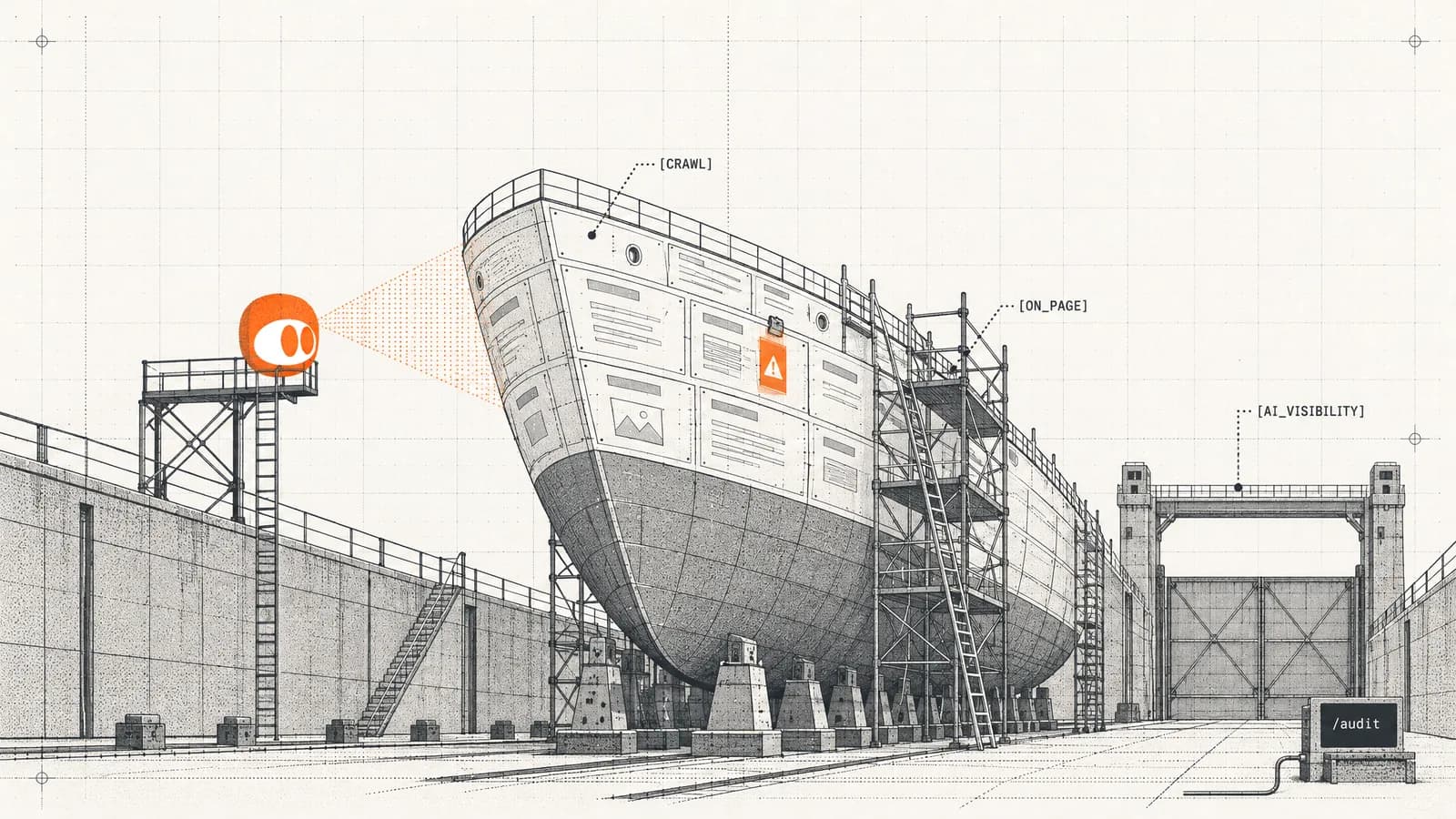
Learn how to do an SEO audit of any website in 2026 — technical, on-page, off-page, and AI-search checks — then run a free audit to fix issues fast.
· 13 min read
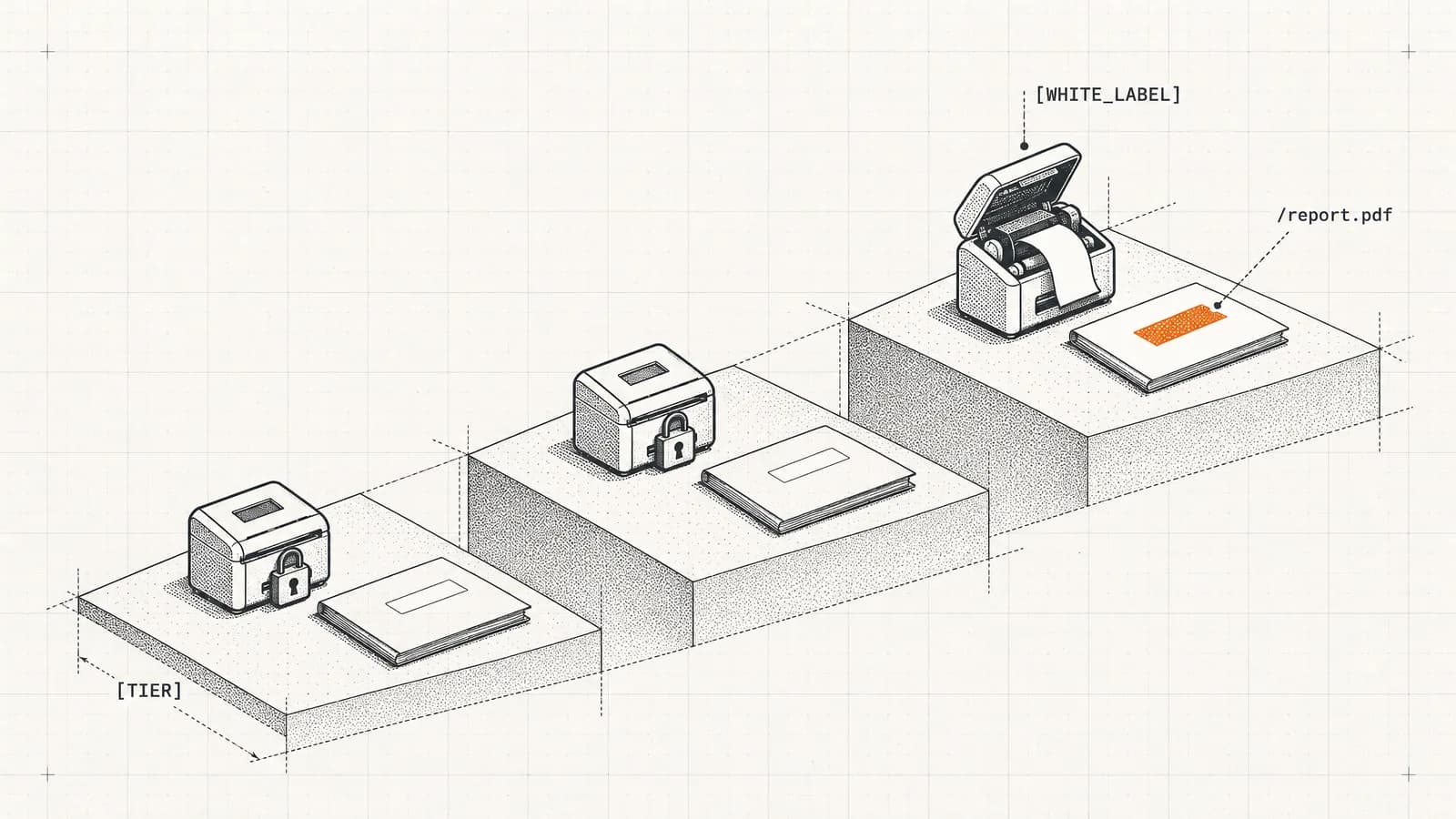
Seven of nine SEO audit platforms offer white-label reporting — but almost never on the plan the roundups name. We checked every vendor's published pricing on 13 September 2026: the cost to unlock white label ranges from $50 to $1,089 a month, and two popular "white-label" tools do not offer it at all.
Run the free audit, fix what it finds — then track the fixes with full-site crawls, history and scheduled re-runs.


