


· 13 min read
How to Create a Topical Map in 6 Steps
A topical map is essentially your website's game plan. So, its importance in shaping your website's content strategy and SEO effectiveness can't be overstated.
We checked 32 shopping queries in October 2026: category pages outranked product pages at least 2.6 to 1. Ten steps to optimize both, with what ranks.

Isabella Edwards · Technical SEO Content Manager, SEOmator
Leads technical SEO content at SEOmator: audits, Core Web Vitals and on-page fixes

E-commerce content optimization is improving your store's product pages, category pages, descriptions, images, and supporting content so they rank in search engines and convert visitors into customers. When we checked Google's US top 10 for 32 shopping queries on 1 October 2026, category pages took at least 32.4% of the slots and individual product pages only 12.5%.
That gap shapes everything below. Most guides start and end with product descriptions; the pages that actually rank for shopping searches are more often the category pages above them. I'll walk through ten steps for both, with the numbers from what ranks next to each one.

We pulled Google's US top 10 for 32 shopping-intent queries across eight retail verticals, from cast iron skillets to dog beds, and fetched every store page that would let us in. Category pages outnumbered product pages by at least 2.6 to 1 (96 slots against 37). Around 4 in 10 slots went to pages that weren't stores at all: review articles, forum and video results, and retailers' own search pages.
Here is what the 116 store pages we could read had in common:
| What we measured | Product pages (n=36) | Category pages (n=80) |
|---|---|---|
| Median words of main text | 786 | 767 |
| Product structured data | 63.9% | 12.5% |
| Rating or review structured data | 30.6% | 10.0% |
| BreadcrumbList structured data | 25.0% | 50.0% |
| FAQPage structured data | 8.3% | 16.3% |
| Exactly one H1 | 72.2% | 75.0% |
| Median images with alt text | 78.5% | 88.4% |
Read the table with its limits. It's one snapshot from one location; we parsed HTML without running JavaScript; and 31 large retailers, including Home Depot, REI and Sephora, blocked our crawler, so the sample leans toward stores that serve HTML to unknown bots. Some store category pages also label themselves as articles, which our classifier counted as editorial, so the category share is a floor, not an estimate.
Content optimization increases the appeal and relevance of your web content to both search engines and potential customers. Optimized product and category pages with the right keywords and key phrases rank higher in SERPs, bringing more visibility to your brand.
Content optimization directly influences your e-commerce business's bottom line. If your content isn't optimized, potential customers may not find your website. With optimized content, you're more likely to rank higher in search engines, attract more visitors, and drive higher conversions.
Optimized content sells. By carefully curating content to highlight the features, benefits, and unique value proposition of your products, you can persuade visitors to shift from browsing to purchasing—a key element in driving revenue growth.
It also decides whether AI answers can use your pages. AI Overviews and shopping assistants lift specific facts: a price, a dimension, a material, a review count. A page that states those plainly in its HTML is easy to quote; one that hides them in images or behind scripts isn't.
Understanding e-commerce content optimization basics and working on them improves your store's search engine visibility and enhances the overall user experience.
| Step | Focus Area | Key Action | Impact |
|---|---|---|---|
| 1 | Keyword Research | Map keywords to category vs product pages | Search visibility |
| 2 | On-page SEO | Optimize titles, meta tags, URLs, structured data | Rankings, rich results |
| 3 | Page Speed | Reduce load times | User experience |
| 4 | Duplicate Content | Canonicalize variants and filters | Consolidated signals |
| 5 | Long-form Content | Create buying guides | Authority |
| 6 | Product and Category Pages | Specs, reviews, unique copy | Conversions |
| 7 | Landing Pages | Align with ad copy | Lead generation |
| 8 | Homepage | Clear navigation, CTAs | First impressions |
| 9 | Visual Content | High-quality images, video | Engagement |
| 10 | Regular Reviews | Audit and measure | Continuous improvement |
Here's a step-by-step guide to effectively optimize your e-commerce content:
Keywords are the bridge connecting your content to potential customers. Choosing the right keywords requires a deep understanding of your target audience and their search behavior, and in e-commerce it also means deciding which page type each keyword belongs to.
Key keyword research principles:
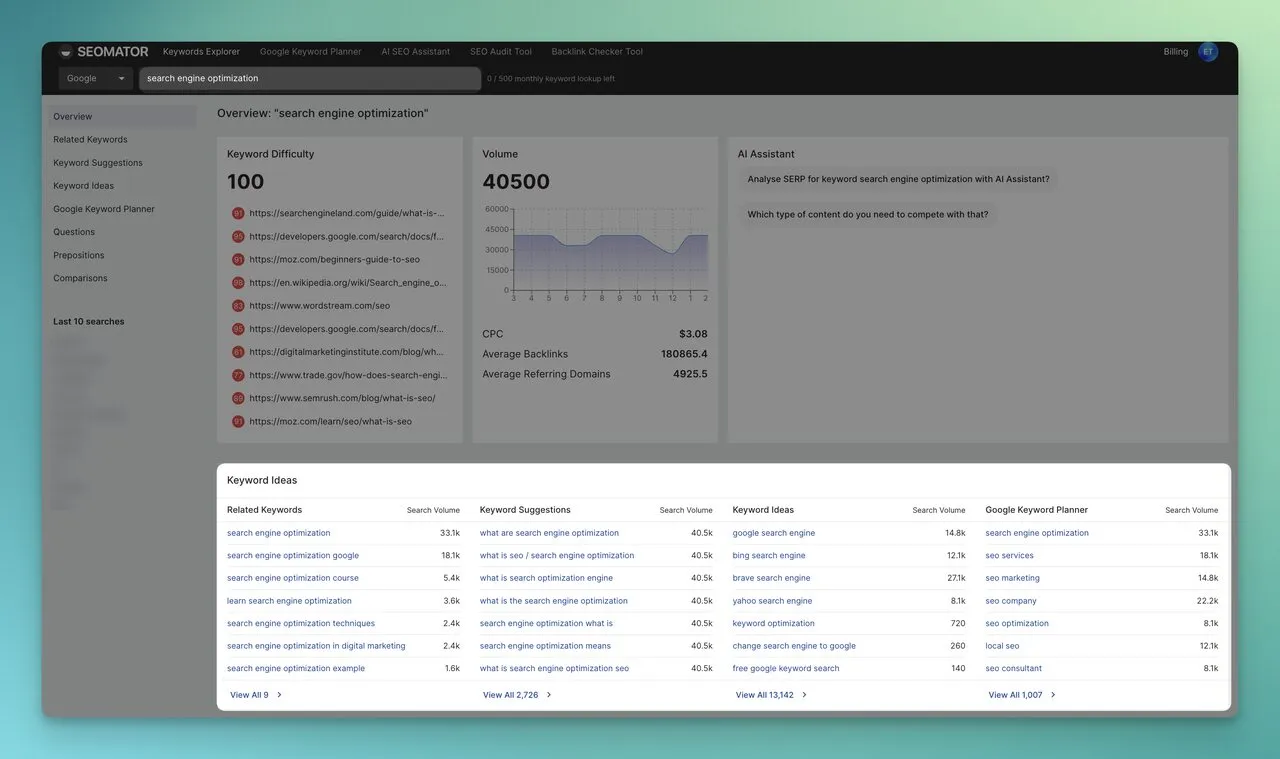
On-page SEO optimizes individual web pages to rank higher on search engines and attract more relevant traffic. This includes optimizing both the content and HTML source code.
Each element should be optimized with relevant keywords for improved visibility:
You can check how a page's tags look to Google with our meta tags checker. Read more: Metadata Optimization: Best Practices for Better SEO
Nothing kills visitor interest faster than slow page loads. Speed is a smaller ranking factor than relevance, but it decides whether a visitor stays long enough to buy. Google states plainly that it "always seeks to show the most relevant content, even if the page experience is sub-par" (Google Search Central), so fix speed for conversions first.
Use SEOmator's Free Website Speed Test Tool to analyze loading speed, and start with the product image that loads first on the page.
E-commerce sites create duplicates without trying: color and size variants, filter and sort parameters, and the same product listed in several categories. Google treats this as a canonicalization problem. It picks one version to show, and the others compete with it for the same signals.
Write your own copy where you can, too. Manufacturer descriptions appear word for word on every store that stocks the product, which gives Google no reason to prefer yours.
Strategies to prevent duplication:
Read more: 301 Redirect or URL Canonicalization
Buying guides and in-depth comparisons can rank for the research queries that come before a purchase, and they take the review-style slots that store pages rarely win. In our check, review articles took 40 of the 296 organic slots for shopping queries.
Producing in-depth articles or guides on topics related to your products or services gives readers real value and builds your authority on a subject. Link each guide to the category pages it covers, so the authority it earns flows to the pages that sell.
Product pages are the heart of any e-commerce store. A well-optimized product page can significantly boost sales, while a poorly optimized one becomes an obstacle between you and prospective customers. Category pages deserve the same attention, because for broad shopping queries they are what ranks.
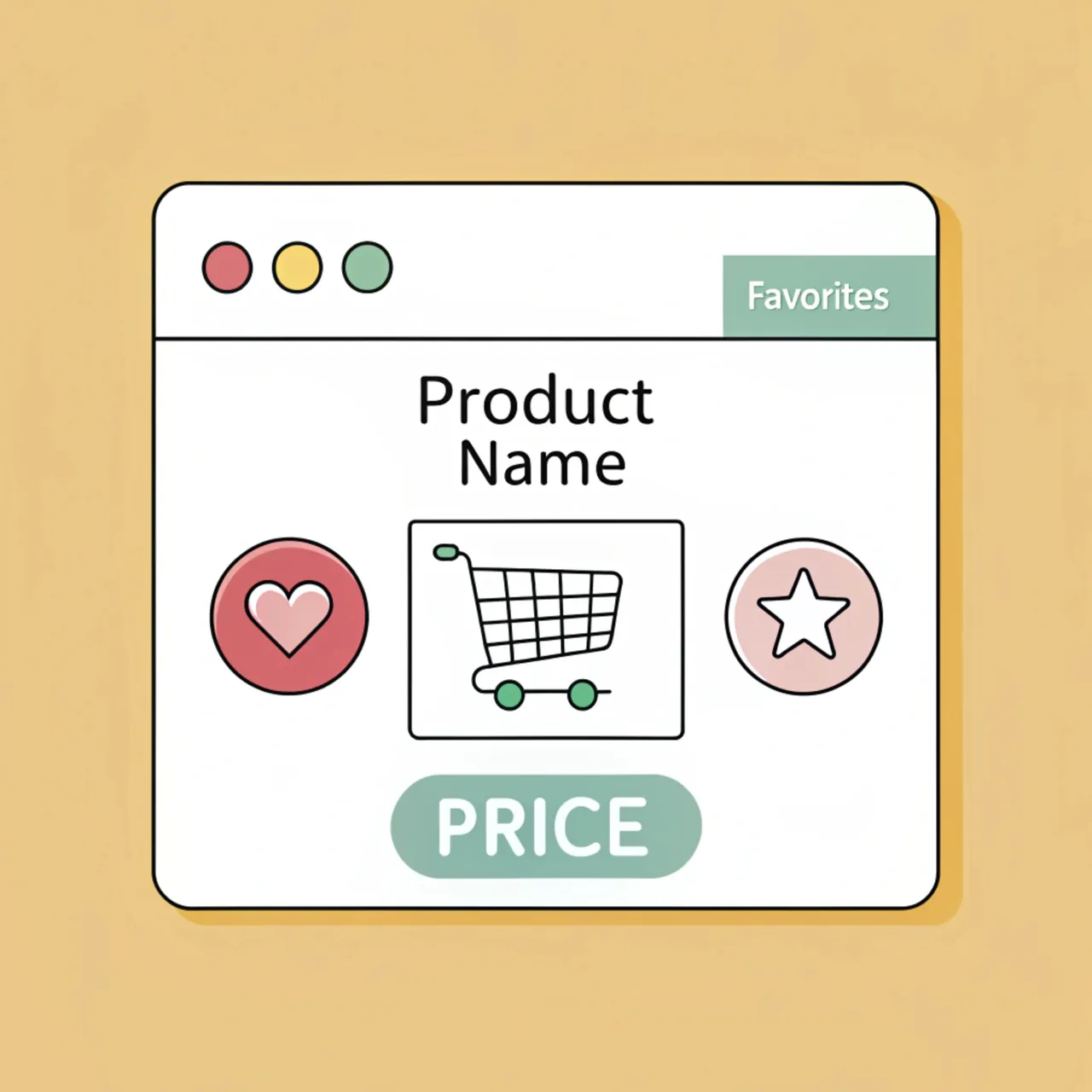
Product page optimization tips:
Category page optimization tips:
A well-optimized landing page can significantly increase your chances of converting visitors into customers. Landing pages serve as focused entry points for specific campaigns, products, or offers.
Landing page optimization strategies:
Your homepage is the gateway to your online store—the first impression that can make or break the customer relationship.
Create an attractive, well-organized, and search-friendly homepage that reflects your brand identity and leads visitors effortlessly into your website's inner pages.
Homepage optimization elements:
Visual content including images, videos, infographics, and other visual aids plays an invaluable role in e-commerce stores. Good visual content increases engagement, improves comprehension, and enhances overall user experience.
Visual content best practices:
What gets measured gets improved. Measuring e-commerce content optimization impact is a continuous process. Regular reviews and audits should be an integral part of your routine.
Use SEOmator's Free SEO Audit Tool to identify problems, and our guide to running an e-commerce site audit for the full checklist. Frequent check-ins enable you to quickly identify what's working and what isn't.
Let your data drive decisions. If a guide performs extremely well, understand why and use it as a benchmark for other posts. If a product page has a high bounce rate, investigate what's turning visitors away.
Even with careful optimization, issues can arise. Here's how to diagnose and fix common problems:
It depends on how often Google recrawls the page and how competitive the query is. Title and description changes can show in search results as soon as the page is recrawled; ranking gains from deeper content work usually take longer. Track positions for the specific keywords you changed rather than waiting for site-wide traffic to move.
Start with the products and categories that already earn most of your revenue. Once optimized, expand to secondary products. This prioritization ensures you get the most from your optimization efforts.
Review and refresh product descriptions quarterly. Update seasonal content before peak periods. Blog content should be audited every 6 months. Remove discontinued products promptly to avoid 404 errors.
There isn't one. In our October 2026 check, the Product schema descriptions on ranking product pages had a median of 83 words, while the full pages, with specs, reviews and questions, ran to a median of 786. Write enough to answer the questions buyers compare products on, and put the rest in structured specs and reviews.
Use canonical tags pointing to the preferred version. For product variants (colors, sizes), implement proper variant handling through structured data. Write unique descriptions highlighting what makes each variant different.
A short, useful introduction helps, but most of a category page's content is the product grid itself. The ranking category pages we checked had a median of 767 words of main text, much of it product names, prices and filters, and half used breadcrumb structured data.
E-commerce content optimization is far from insignificant. Our look at what actually ranks shows where the effort pays: category pages for broad queries, product pages that state their facts plainly, and structured data that most competitors still leave out. Focus on unique, user-centric content that's well-optimized for search engines, and you set your store on a path to higher visibility and more sales.
Related Articles:
Who wrote it, what changed and how to tell us about a mistake.

Isabella Edwards
Technical SEO Content Manager, SEOmator
Leads technical SEO content at SEOmator: audits, Core Web Vitals and on-page fixes
Isabella Edwards leads technical SEO content at SEOmator, turning crawl data, Core Web Vitals, and on-page signals into guidance teams can actually act on. She focuses on the practical side of search — auditing sites, fixing what holds rankings back, and explaining the reasoning behind each recommendation so non-specialists can follow along.
Published · Updated
Spot a mistake or a number that has gone stale? Tell us. We correct it and log the change in the History above. Report an error →
· 13 min read
A topical map is essentially your website's game plan. So, its importance in shaping your website's content strategy and SEO effectiveness can't be overstated.
· 11 min read
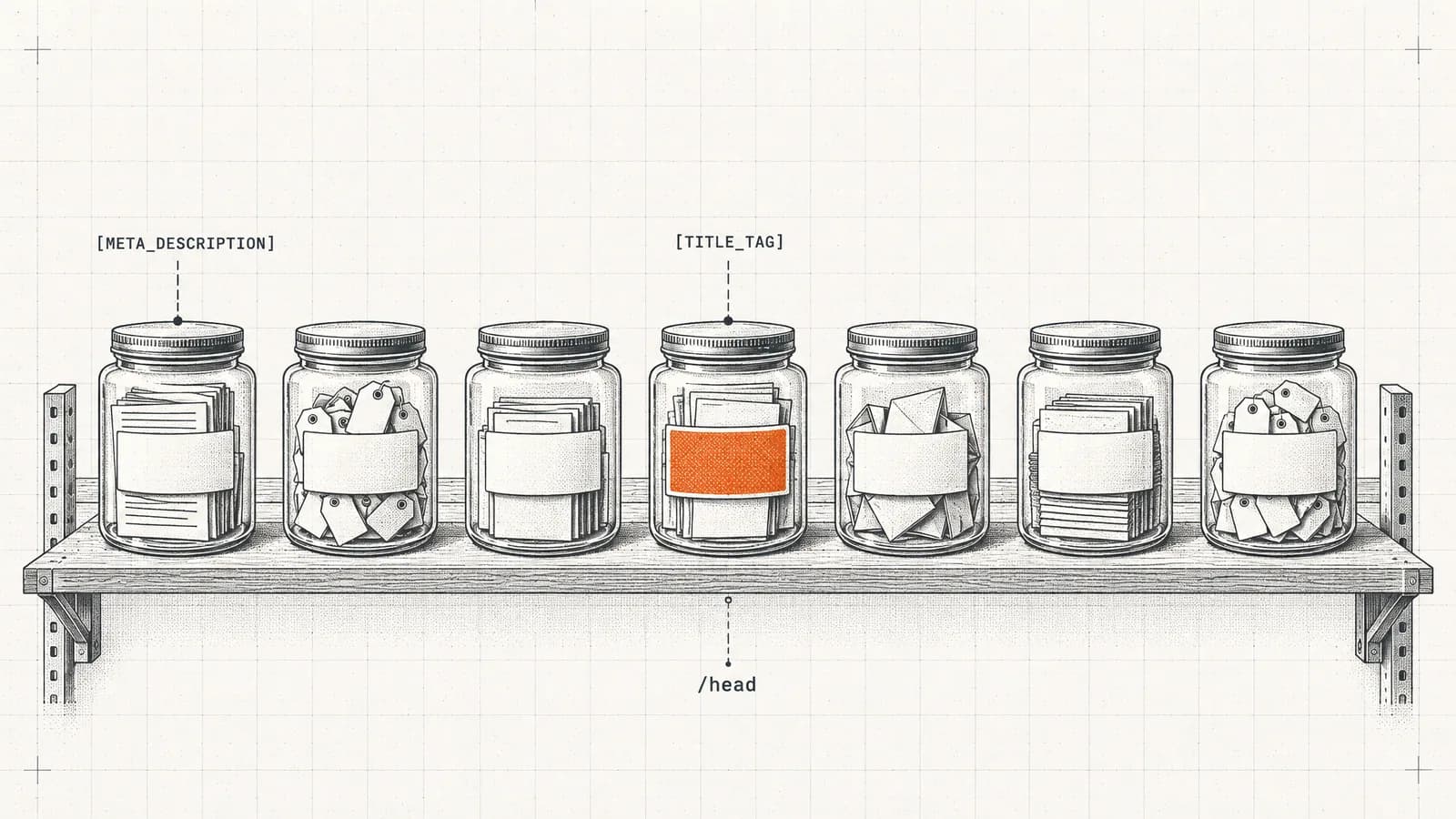
Metadata is the driving force behind your online visibility. Understanding the components of metadata can help you craft an effective SEO strategy.

· 12 min read
Across 100,000+ site audits, 39.8% had an E-E-A-T-category failure. Use this 11-step checklist to audit experience, expertise, authority, and trust.


